
Search












Advertisement
Advertisement


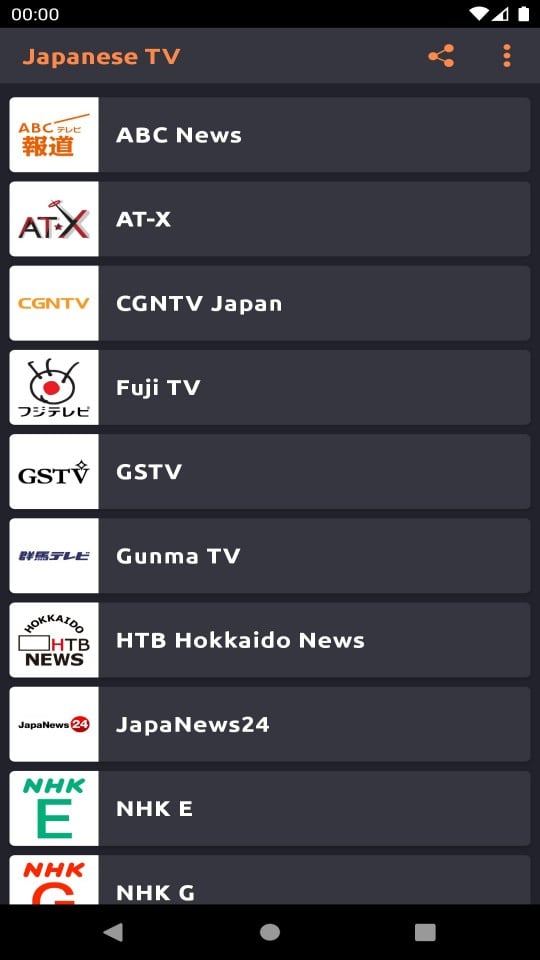
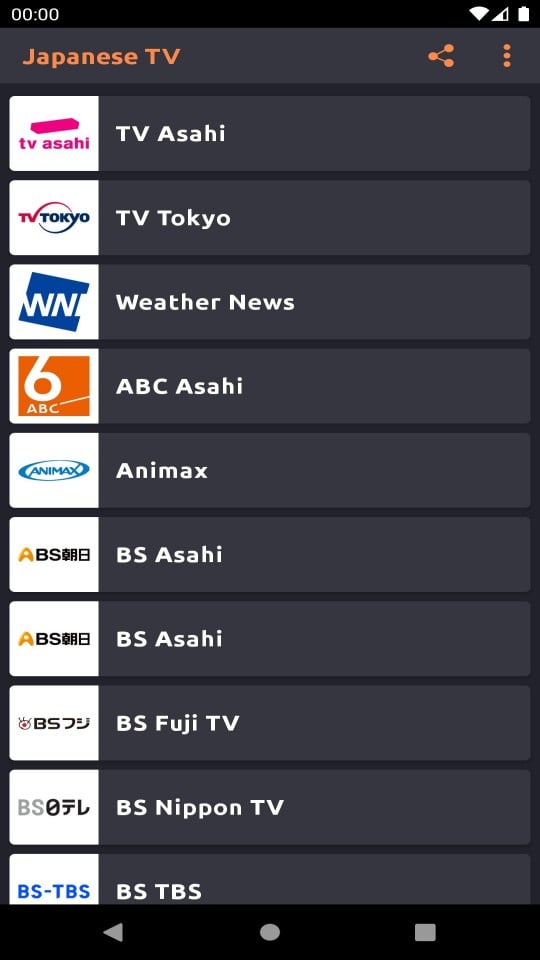



Japanese TV Live Streaming is an app developed by GuruGuruTV that allows users to enjoy live Japanese TV. It has won the love of many users around the world.
When you open the app, you can see a rich and diverse channel selection. There are mainstream TV stations such as NHK, Nippon Television (NTV), TV Asahi, Fuji TV, Tokyo Broadcasting System (TBS) and TV Tokyo, as well as some niche special channels. Mainstream TV stations provide news information so that you can keep up with domestic and international events in Japan; popular TV series let you appreciate the charm of Japanese film and television, from family emotional dramas to suspense and mystery dramas, with various types; various variety shows are full of fun, funny variety shows are hilarious, and music programs show the style of Japanese music. Niche channels focus on specific fields, anime channels continue to update popular anime, and documentary channels explore history, culture, natural sciences and other content in depth.
The interface design of this app is extremely simple and easy to operate. On the homepage, popular channels and recommended programs are clear at a glance. Users can quickly switch channels by simply tapping the screen. Through the search bar, enter the channel name or program keywords to find what you want to watch in an instant. In the settings, users can also adjust the playback quality according to their preferences, freely choose between smooth, standard definition, and high definition, and turn on subtitles to meet different viewing needs.
Japanese TV Live Streaming supports a variety of devices, whether it is a mobile phone, tablet, or computer, as long as the corresponding version is installed, you can watch it anytime and anywhere. Moreover, the application adapts to different network environments. When the network signal is strong, it automatically switches to high-definition mode to present a clear picture; when the network is not good, it can also play stably and reduce jams.
In addition, the application will update the program preview in time, so that users can know the broadcast time of the programs they are interested in in advance, set reminders, and not miss the exciting content. It also provides a program playback function. If you miss the live broadcast due to something, you can watch the full program within a certain period of time.
Advertisement
To use the Japanese TV Live Streaming app developed by GuruGuruTV, follow these steps:
First launch and setup: When you open the app for the first time, some permission requests may pop up, such as access to the network and storage. Click "Allow" to ensure that the app runs normally. Afterwards, the app may guide you to select your language preference. The default language is usually Japanese. If you want to switch to other languages such as Chinese, you can find the "Language" setting in the settings options to change it. At the same time, you can also make preliminary adjustments to the picture quality, playback mode, etc. in the settings, such as setting the picture quality to different options such as automatic, smooth, and high-definition to adapt to the current network conditions.
Browse channels: Enter the main interface of the app and you will see various channel categories. There are popular channel recommendations, which focus on displaying channels with a large number of viewers at the moment; by TV station classification, you can quickly find well-known TV stations such as NHK, Nippon Television (NTV), and TV Asahi; there are also program type classifications, such as news, TV series, variety shows, animation, etc. Click on the channel category you are interested in to browse the specific channel list. For example, clicking on the "Anime" category will present channels that play anime programs, such as some of the Tokyo TV channels that focus on anime.
Watch live broadcasts: After finding the channel you like, click on the channel icon or name, and the app will load the live content. The loading process may take a few seconds to tens of seconds, depending on the network speed. After loading is complete, you can watch Japanese TV live programs. While watching, you can pause, play, fast forward (some live content may not support fast forward) and adjust the volume through the control buttons on the screen. If the screen freezes during viewing, you can return to the settings interface and lower the image quality to improve the smoothness of playback.
Program search and collection: If you know the name of the program or channel you want to watch, find the search bar in the app and enter keywords, such as the program name "One Piece" or the channel name "Fuji TV", and you can quickly locate the relevant content. For channels that you often watch, you can click the "Collect" button (usually a heart-shaped icon) on the channel page. The next time you open the app, you can quickly find the channel in the favorites without having to search again.
Advertisement
Roblox
Geometry Dash
Among Us
Block Blast Adventure Master
Temple Run
Minecraft

Subway Surfers

Kick the Buddy

Magic Tiles 3: Piano Game
Fortnite
Bloons TD 6

Temple Run 2

Geometry Dash SubZero

slither.io

Five Nights at Freddy's 3

Township

Snake.io

Grand Theft Auto: San Andreas

Soccer Superstar

Getting Over It

Huggy Wuggy Poppy Playtime Horror Game

Call of Duty®: Mobile

Brawl Stars

Pou


