
Search












Advertisement
Advertisement
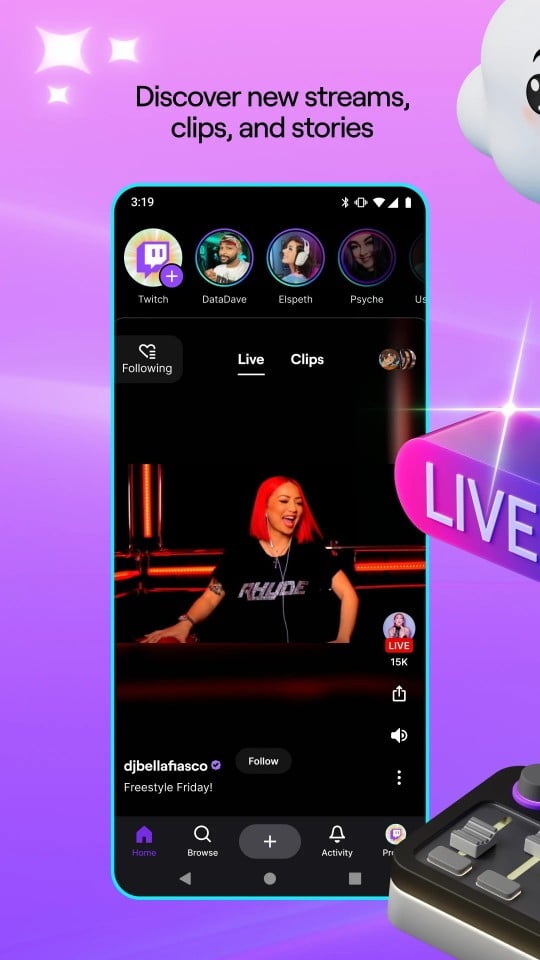
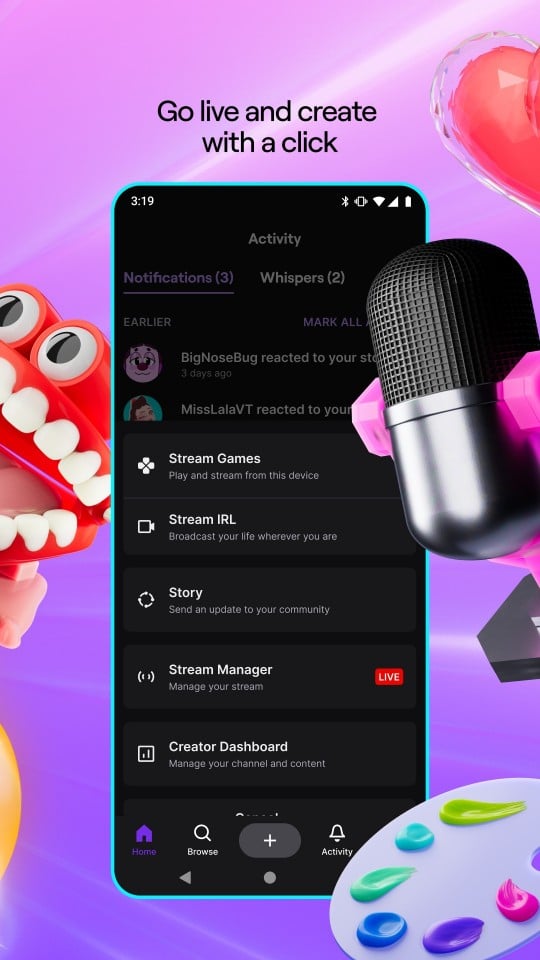
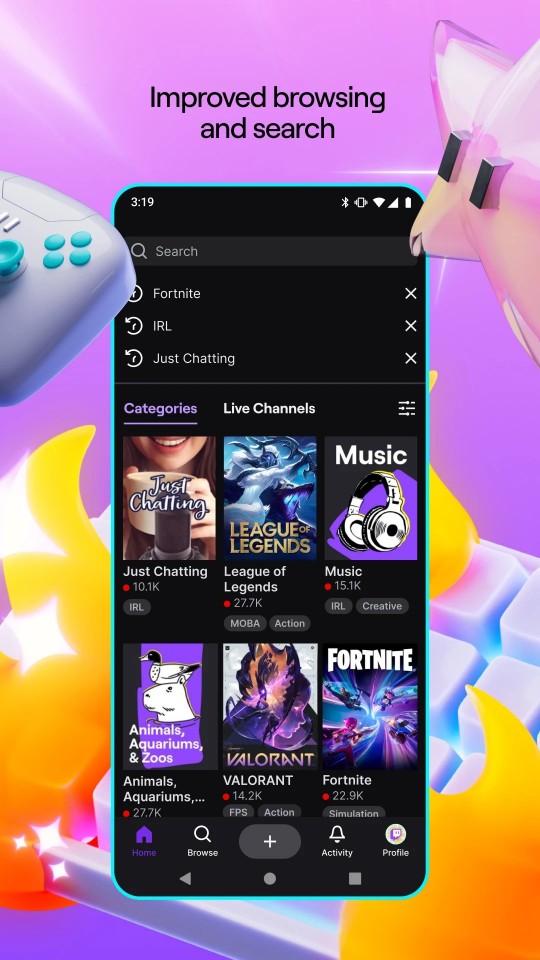
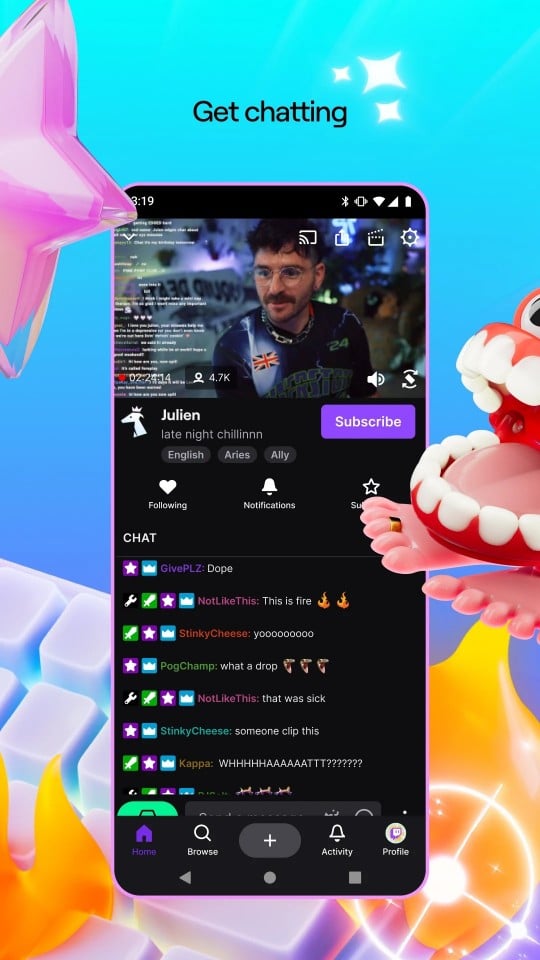
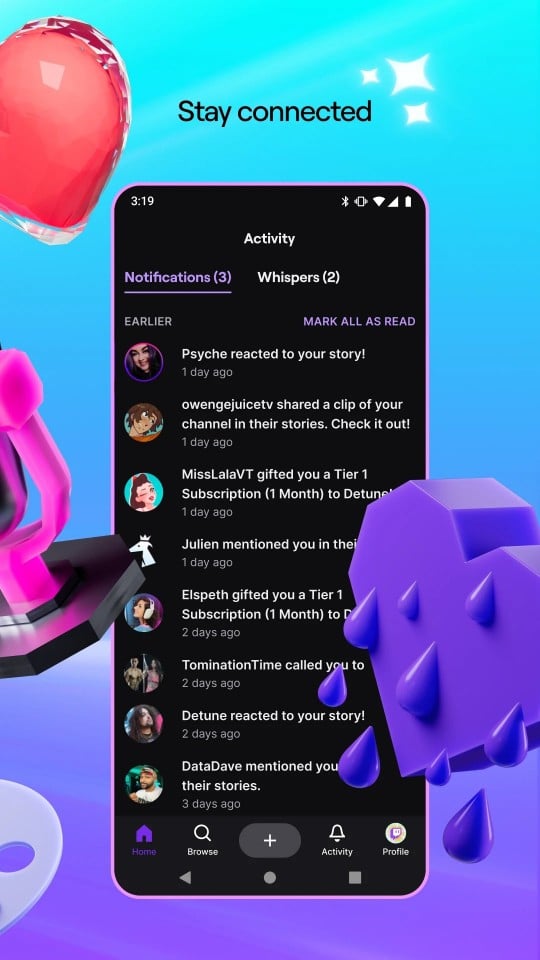
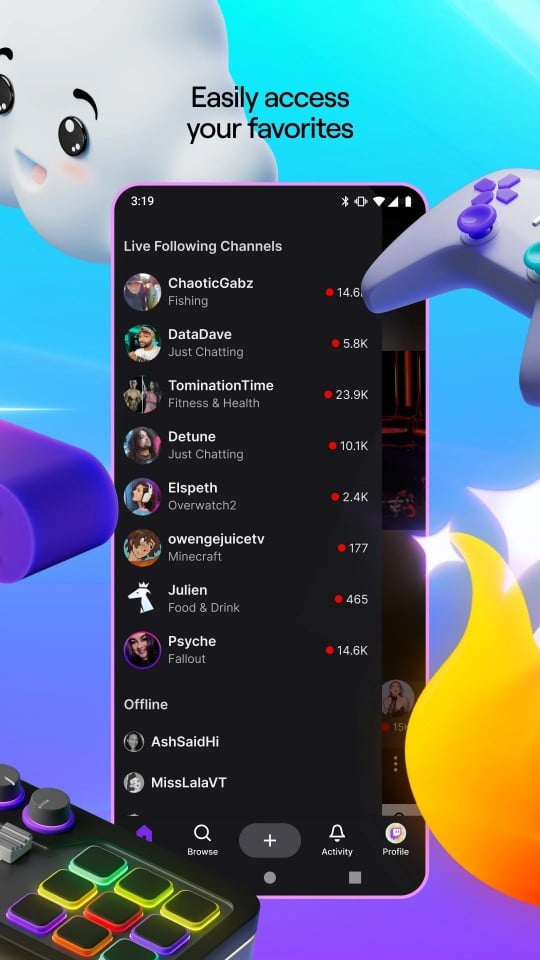
Twitch: Live Streaming is a live streaming video platform application, mainly for the field of video games, but the content has expanded to music, art and other fields.
Twitch is a live streaming video platform that allows users to perform real-time game operations, screen sharing or game event broadcasts through live broadcasts, while viewers can watch online and interact with gamers or other viewers.
Features
Diverse content: In addition to game live broadcasts, Twitch also covers live broadcasts of various contents such as music festivals, rocket launches, street tours, etc., meeting the viewing needs of different users.
Powerful interactive functions: Viewers can communicate with anchors in real time through the chat window, give gifts or subscribe to support their favorite anchors, which enhances the user's sense of participation and the activity of the platform.
Creator support: Twitch provides financial support and publicity opportunities for content creators to help them build their personal brands and gain more attention and support.
High-quality live broadcast experience: Supports HEVC (H.265) encoding, and improves video quality and transmission efficiency through advanced encoders, especially suitable for live broadcasts of fast-paced games.
Twitch: Live Streaming is a live streaming video platform application with rich features and diverse content, providing an excellent place for gamers, content creators and viewers to interact and communicate.
Advertisement
Twitch: Live Streaming is a very popular real-time streaming video platform application, especially loved by gamers. The following is a guide and precautions for beginners:
Operation Guide
Register and Login: Fill in the relevant information according to the prompts to register, and log in to the account after registration.
Browse live broadcasts: Browse the live broadcast content of interest on the homepage or in the category of the application, and click to enter the live broadcast room.
Interactive participation: In the live broadcast room, you can communicate with the anchor or other viewers through the chat window, and you can also like, share or send gifts.
Notes for beginners
Protect personal privacy: When registering and using Twitch, pay attention to protecting personal privacy and do not disclose personal information and passwords.
Comply with platform rules: Understand and comply with Twitch's community guidelines and platform regulations, and do not post inappropriate remarks or violate regulations.
Pay attention to network security: Avoid clicking on unknown links or downloading unsafe content, and use a safe network environment for viewing and interaction.
Respect copyright: When watching live broadcasts, respect the intellectual property rights of anchors and copyright holders, and do not steal, rebroadcast or share copyrighted content.
Beginners need to download and install, register and log in, browse live broadcasts and interact when using Twitch. At the same time, pay attention to protecting personal privacy, complying with platform rules, paying attention to network security, and respecting copyright.
Advertisement
Roblox
Geometry Dash
Among Us
Block Blast Adventure Master
Temple Run
Minecraft

Subway Surfers

Kick the Buddy

Magic Tiles 3: Piano Game
Fortnite
Bloons TD 6

Temple Run 2

Geometry Dash SubZero

slither.io

Five Nights at Freddy's 3

Township

Snake.io

Grand Theft Auto: San Andreas
Soccer Superstar

Getting Over It

Huggy Wuggy Poppy Playtime Horror Game

Call of Duty®: Mobile

Brawl Stars

Pou